Objective:
- Explain Microsoft Copilot’s capabilities, limitations and workplace applications.
- Apply responsible AI practices when using Copilot for business activities.
- Construct effective prompts using role, task, context, constraints and output requirements.
- Use Copilot to draft, rewrite, summarise and organise workplace information.
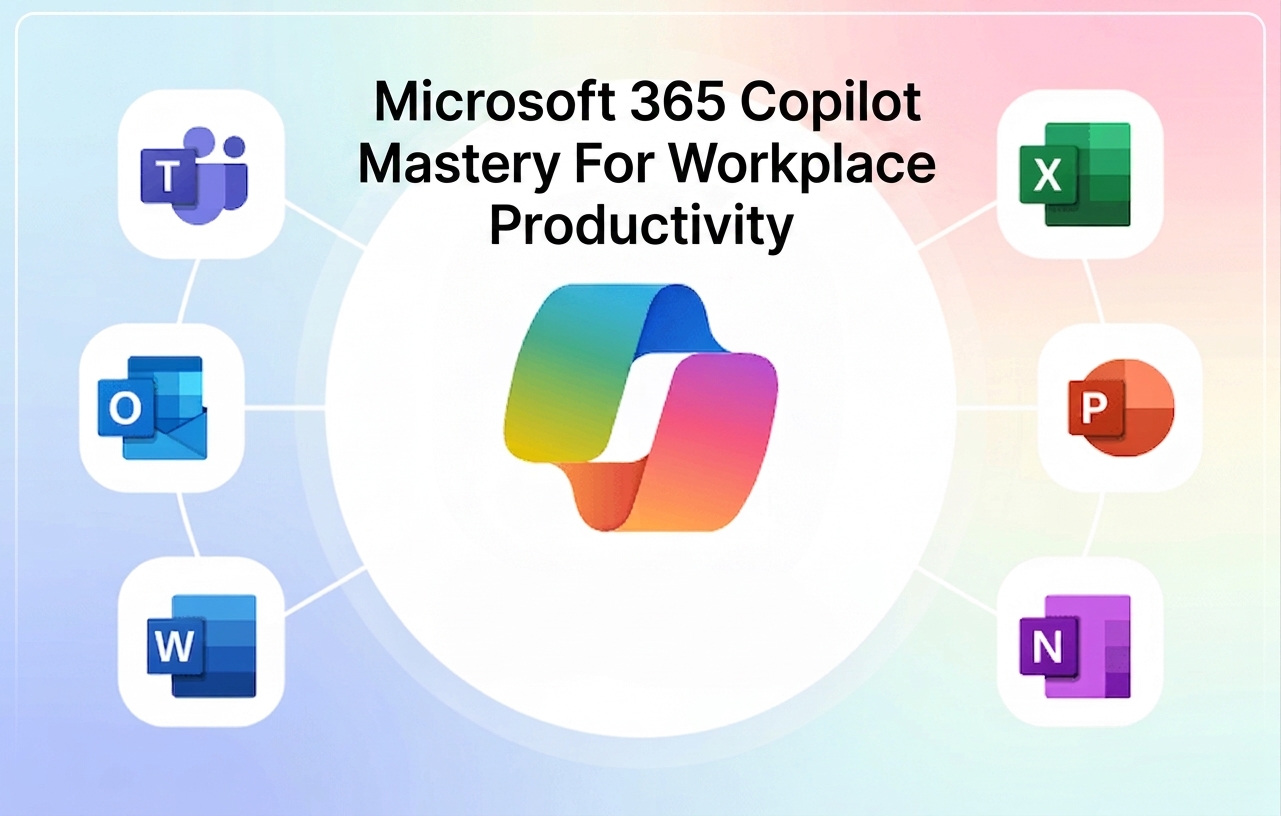
- Apply Copilot in Word, Outlook, Teams, PowerPoint and Excel.
- Analyse business data and generate formulas, charts, trends and management insights.
- Create and improve business presentations using AI-assisted workflows.
- Produce basic content concepts, messages and visual briefs.
- Apply Copilot to Sales, Finance, Human Resources and other departmental workflows.
- Use advanced prompting and prompt chaining to complete multi-step assignments.
- Review Copilot-generated outputs for accuracy, relevance, confidentiality and brand suitability.
- Develop reusable prompts and workflows for daily workplace application.
Methodology:
This programme uses a practical, hands-on and application-focused approach.
Methodology Components:
- Short facilitator-led explanations of Copilot concepts and business applications
- Live demonstrations using Microsoft 365 applications
- Guided, step-by-step Copilot workflows
- Hands-on exercises for each major module
- Prompt-writing and prompt-improvement activities
- Department-based business scenarios
- Virtual discussions, polls and breakout activities
- Individual and group application exercises
- A final Copilot productivity workflow challenge
- Interactive question-and-answer sessions
Target Audience:
Managers, executives and team leaders